Download free macro «M1 Tech JJS» for «Roblox», installation on a regular mouse и keyboard occurs in a few clicks.
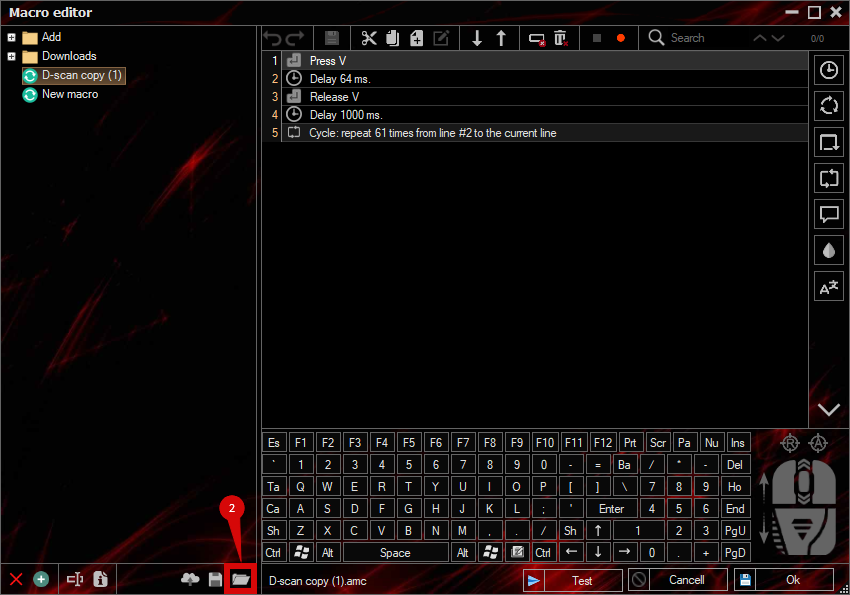
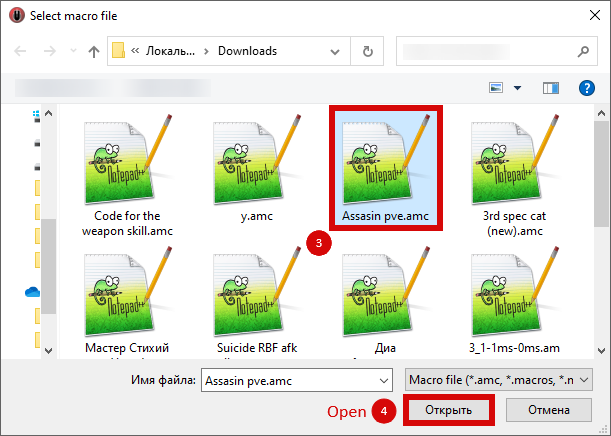
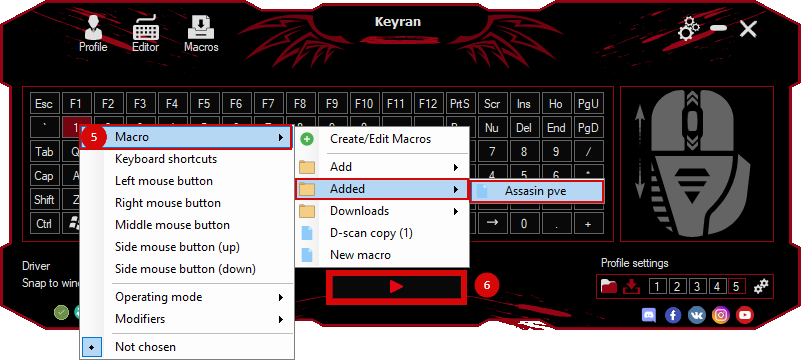
To use the macro, simply assign it to any mouse button or keyboard in BotMek, and then click it!
m1 tech m1+m1+plus backdash m1 stack «you have to do the follow up dash on your own also hold the s key so it actually works» This macro only does the m1 dash stack for you
 Loading..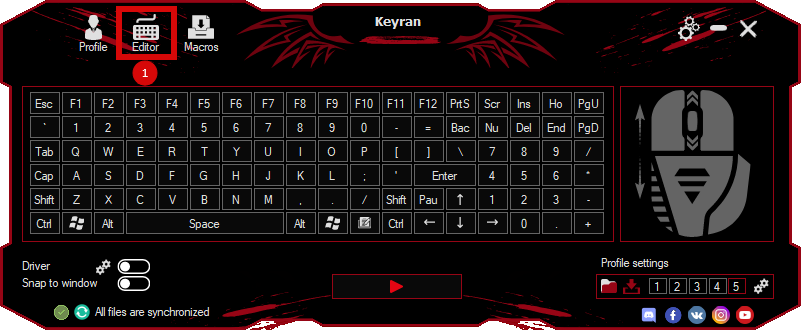
 Video reviews
 Window work
 Create hotkeys
 Macro editor
 A4tech Macro Editor
 Script editor
 Ready macros and scripts
 Profile
 Sync log
 Program settings
 FAQ
FAQ Apex Legends
 ArcheAge
 Blade and Soul
 Dota 2
 Fortnite
 GTA V
GTA V Minecraft
 Overwatch
 Perfect World
 Rust
Rust Warface
 News
News Instructions
 Events and competitions
 Technical support