The macro is designed for the Awto Swap function in Minecraft Bedrock Edition!

The principle of operation is that it swaps two slots: the left-hand slot and the slot below it, for example, you have fireworks in the left-hand slot and the totem of immortality under this slot in the inventory, pressing the specified key, the macro swaps them.

Note! You must remove the crafting tips on the left! (a button with a chest and a green book)

Monitor resolution: 1920:1080

Ping: 40-60

With a larger ping, you can increase the delay value in the 3rd row.
 Loading..
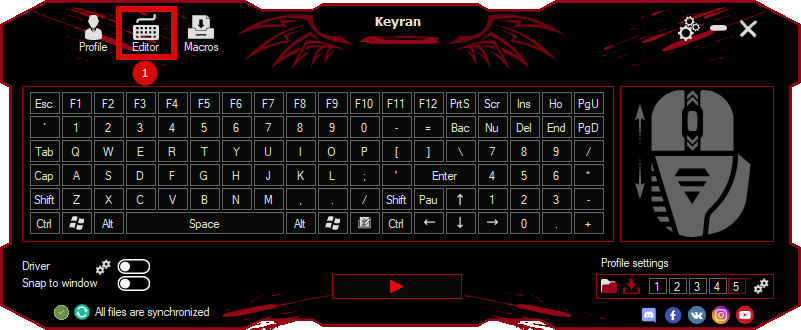
Download the program (Download) and go to the macro editor
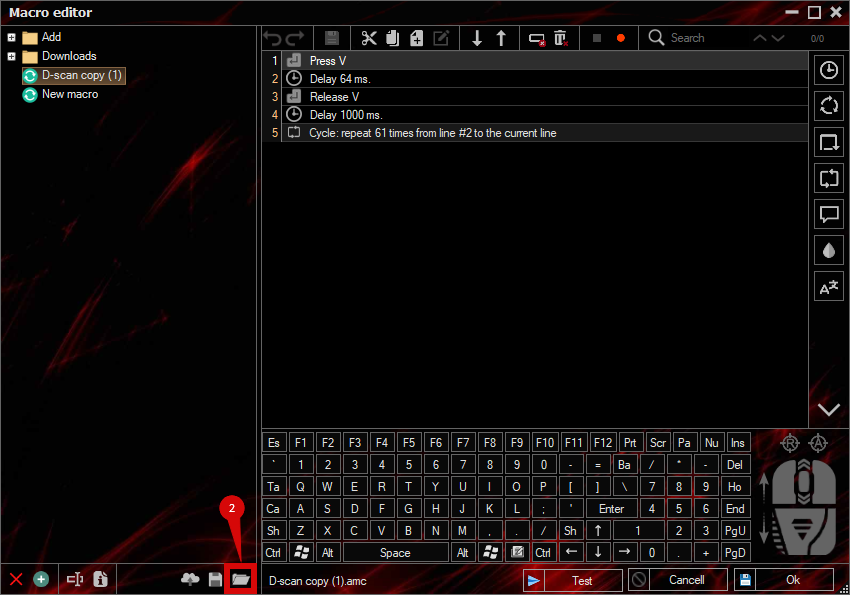
press the button «Open file»
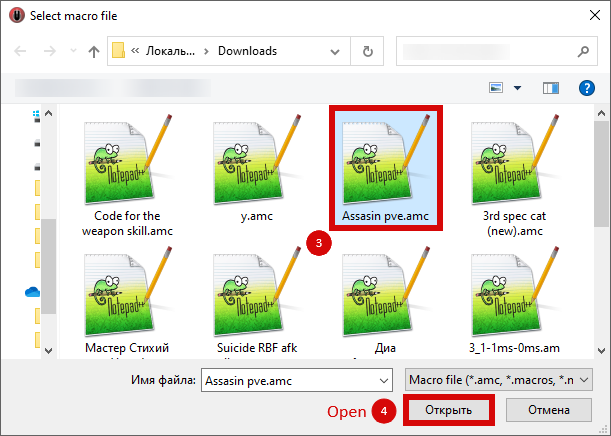
and select the downloaded file
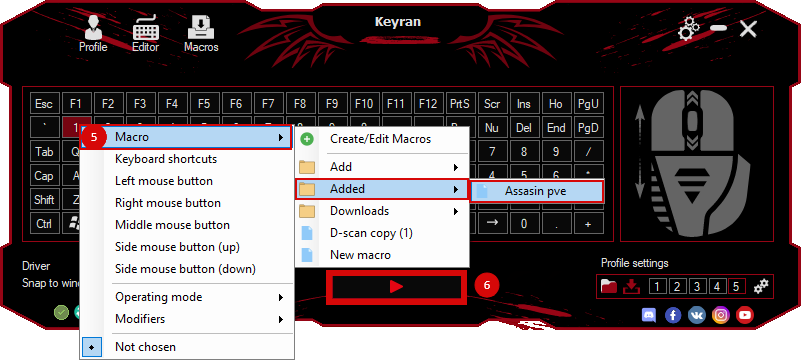
assign a macro to a key and run the program
 Video reviews
 Window work
 Create hotkeys
 Macro editor
 A4tech Macro Editor
 Script editor
 Ready macros and scripts
 Profile
 Sync log
 Program settings
 FAQ
 Apex Legends
 ArcheAge
 Blade and Soul
 Dota 2
 Fortnite
 GTA V
 Minecraft
 Overwatch
 Perfect World
 Rust
 Warface
 News
 Instructions
 Events and competitions
 Technical support