Command: set_base_manpower


The macro automatically enters the set_base_manpower command into the console. After that, you just need to manually add the province ID and the required recruit value.

 It is used to quickly increase or change the base number of recruits in a province.


It is useful when pumping the recruitment base of several provinces at once: instead of constantly manually dialing set_base_manpower, it is enough to call a macro and add the ID and the desired value.
 Loading..
Download the program (Download) and go to the macro editor
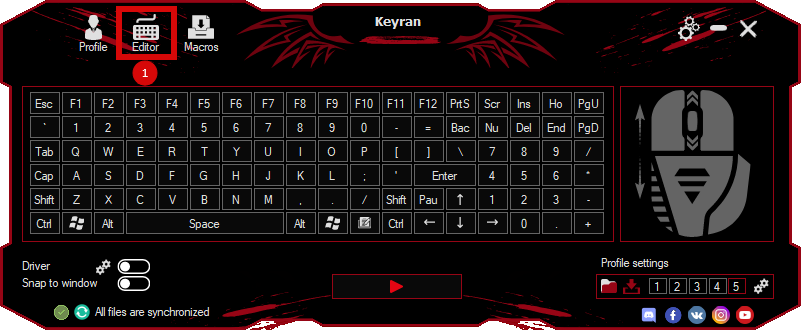
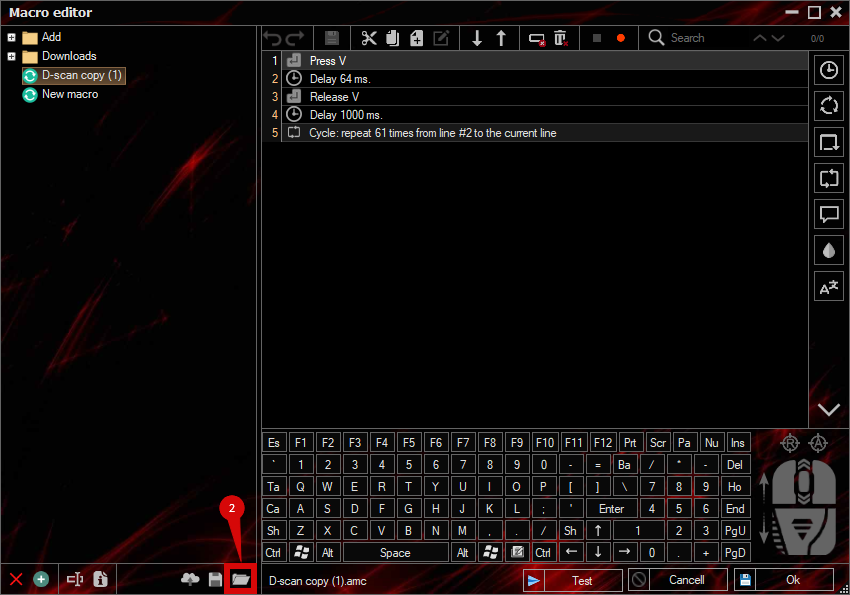
press the button «Open file»
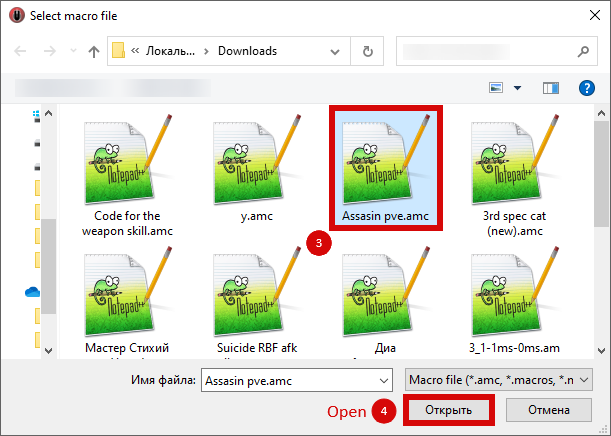
and select the downloaded file
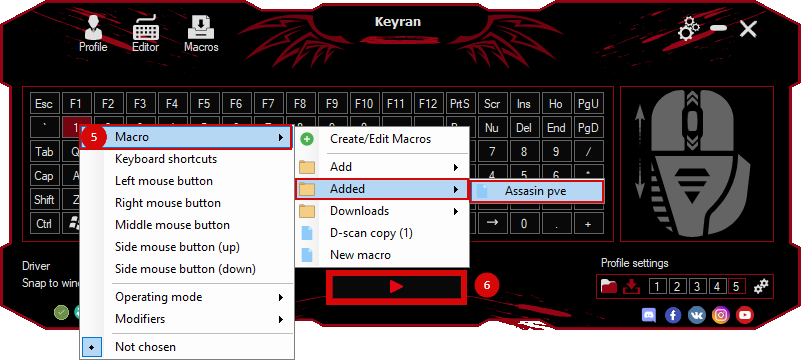
assign a macro to a key and run the program
 Video reviews
 Window work
 Create hotkeys
 Macro editor
 A4tech Macro Editor
 Script editor
 Ready macros and scripts
 Profile
 Sync log
 Program settings
 FAQ
FAQ Apex Legends
 ArcheAge
 Blade and Soul
 Dota 2
 Fortnite
 GTA V
GTA V Minecraft
 Overwatch
 Perfect World
 Rust
Rust Warface
 News
News Instructions
 Events and competitions
 Technical support