The macro enters transmit exit now in the terminal, then view monitor. Sends the team the message «exit now» and opens the map with the players.

A Signal Translator must be purchased on the ship. Before launching, open the terminal, leave the input line empty and enable the English layout.

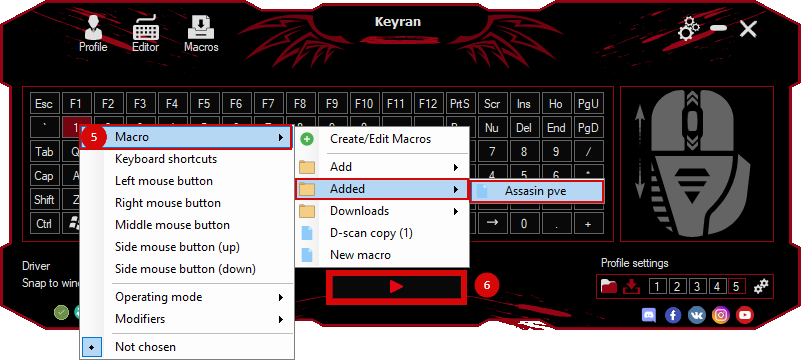
Assign a macro to a free button, for example F6. The execution mode is one time.
 Loading..
Download the program (Download) and go to the macro editor
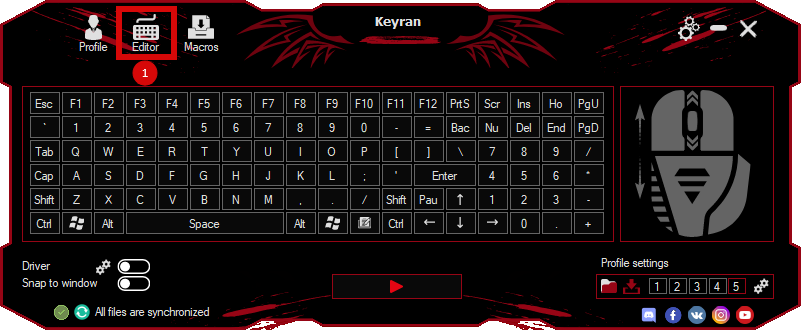
press the button «Open file»
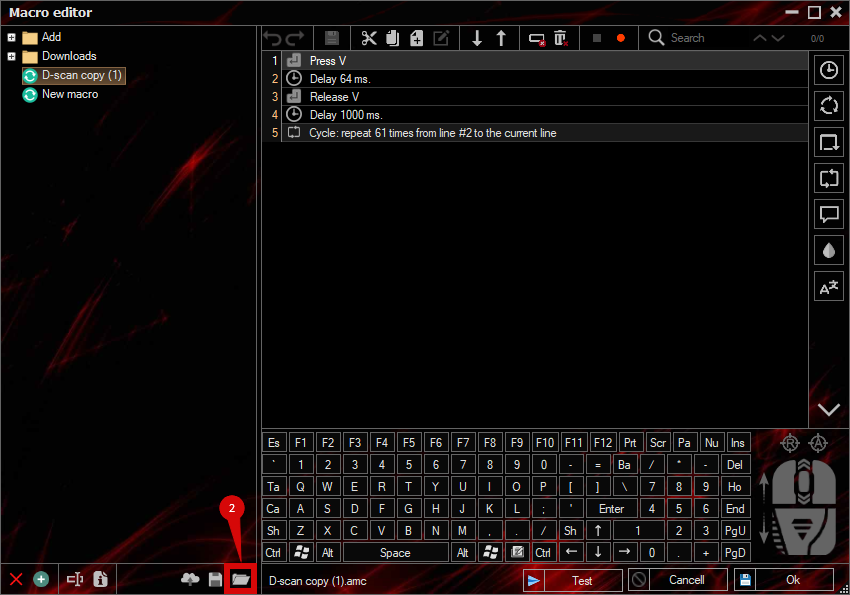
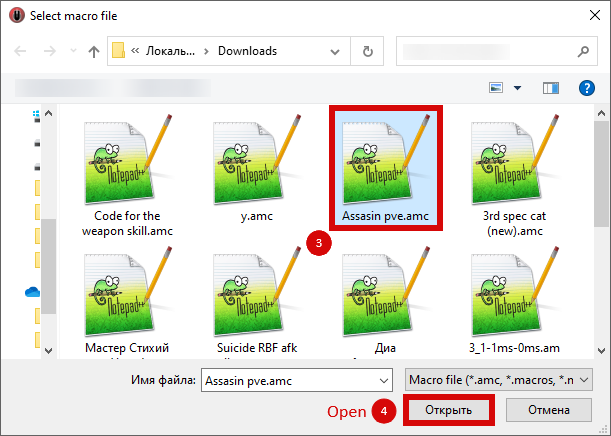
and select the downloaded file
assign a macro to a key and run the program
 Video reviews
 Window work
 Create hotkeys
 Macro editor
 A4tech Macro Editor
 Script editor
 Ready macros and scripts
 Profile
 Sync log
 Program settings
 FAQ
FAQ Apex Legends
 ArcheAge
 Blade and Soul
 Dota 2
 Fortnite
 GTA V
GTA V Minecraft
 Overwatch
 Perfect World
 Rust
Rust Warface
 News
News Instructions
 Events and competitions
 Technical support